You can access the Purchase through the Property Group accounting screen.
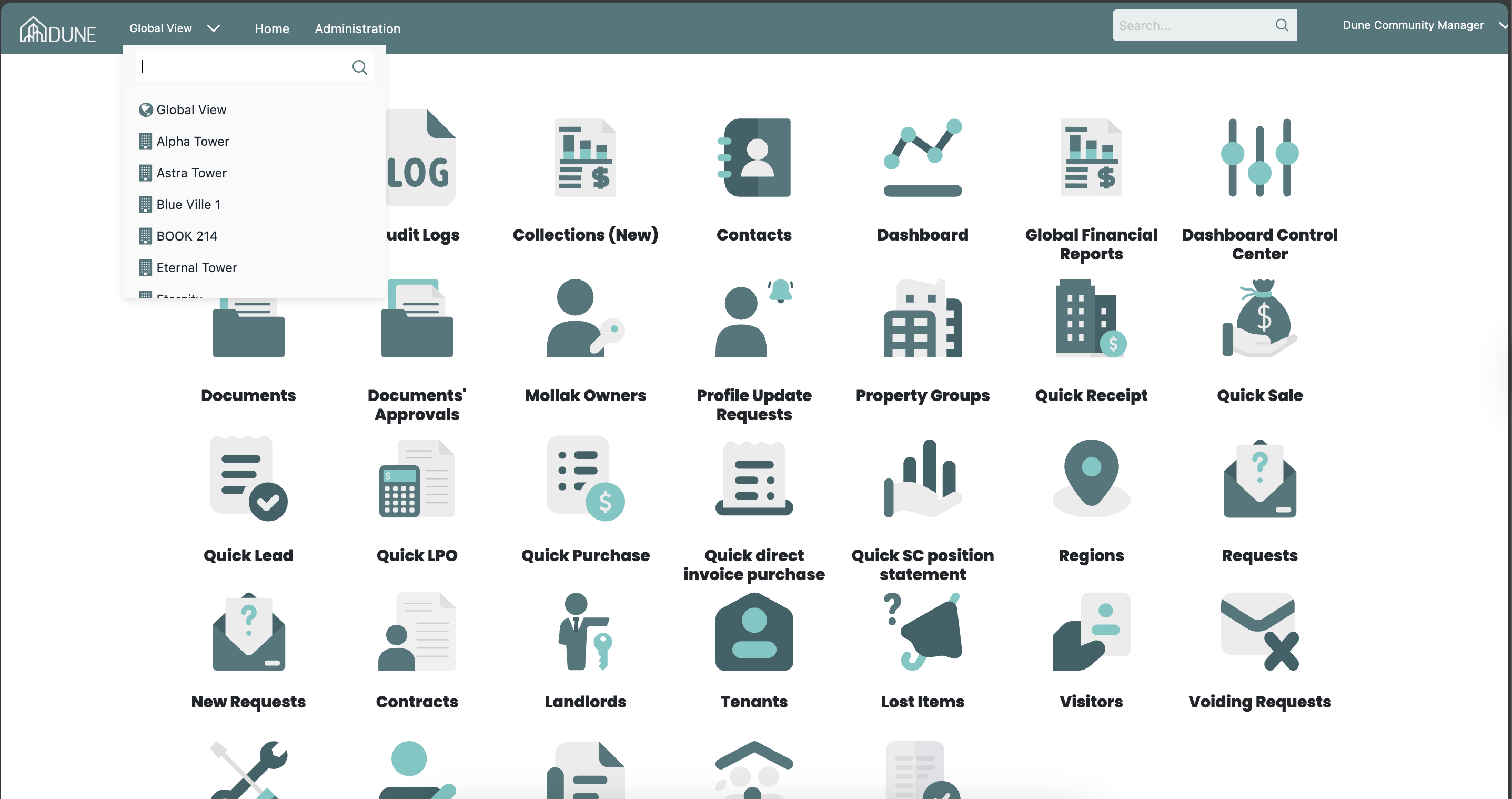
First, choose the property group you wish to add New Direct Invoice to from the Global View:
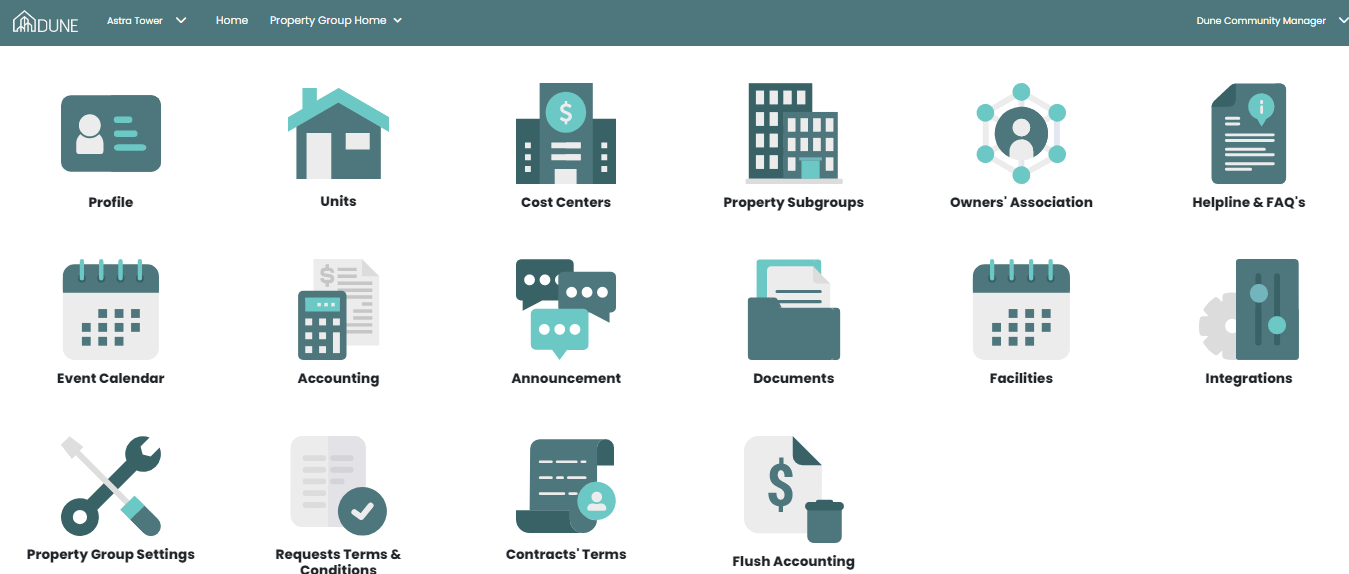
Then by clicking on accounting, you enter the accounting module of the property group:
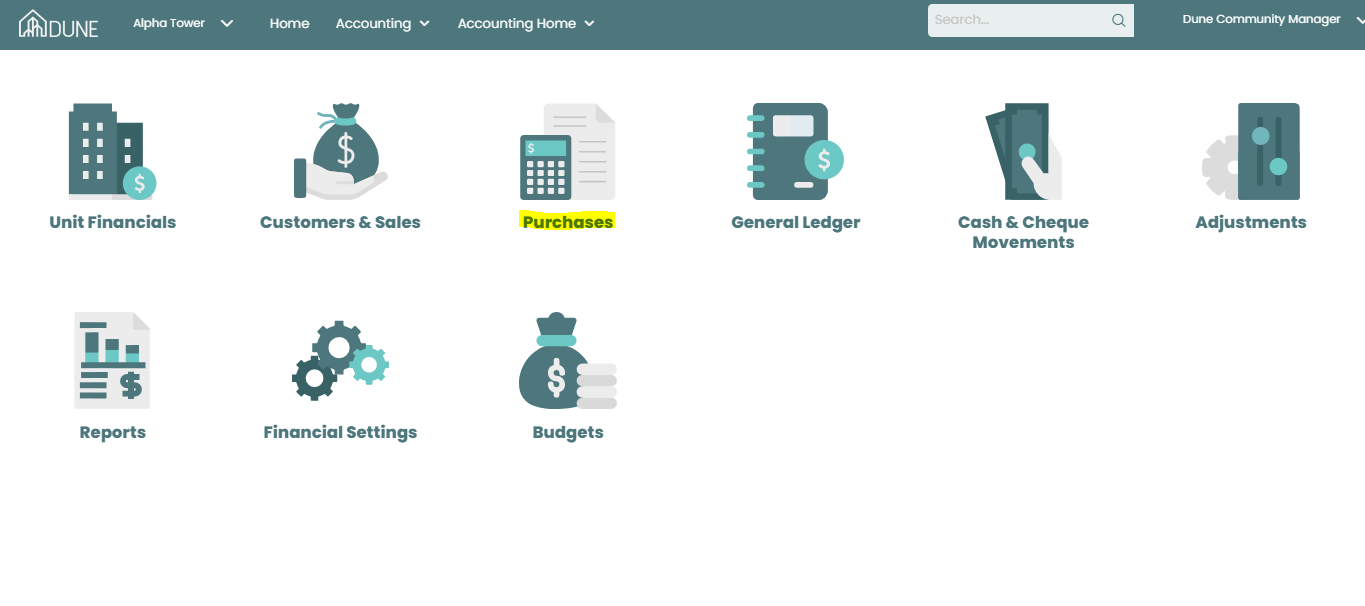
Then choose Purchase:
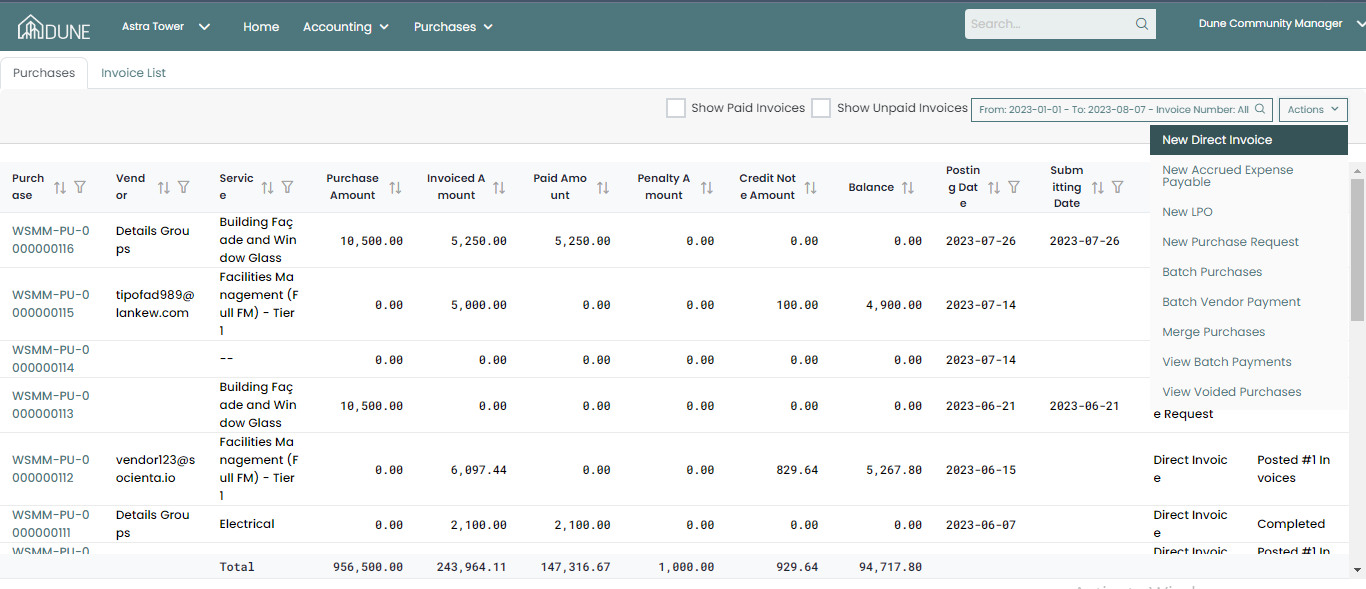
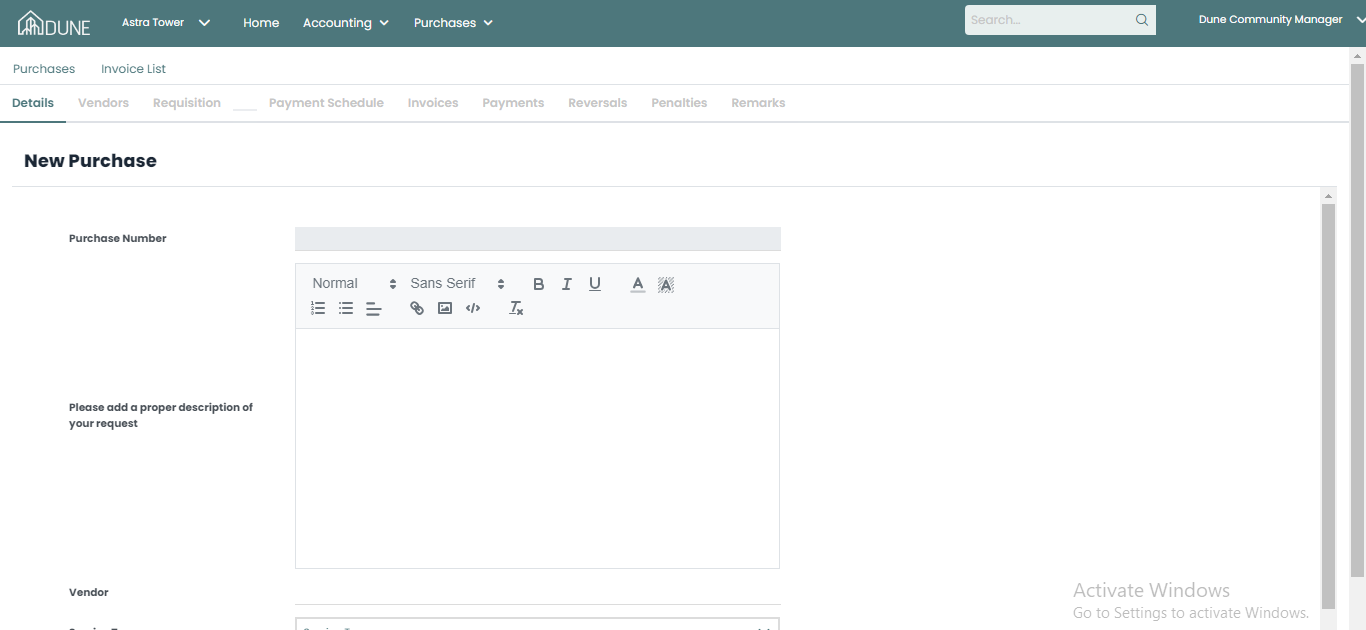
On the purchase screen, click on Actions and choose New Direct Invoice. A new screen will pop up for you to fill your data in.
After the new screen opens you can fill in your data and click on Save:
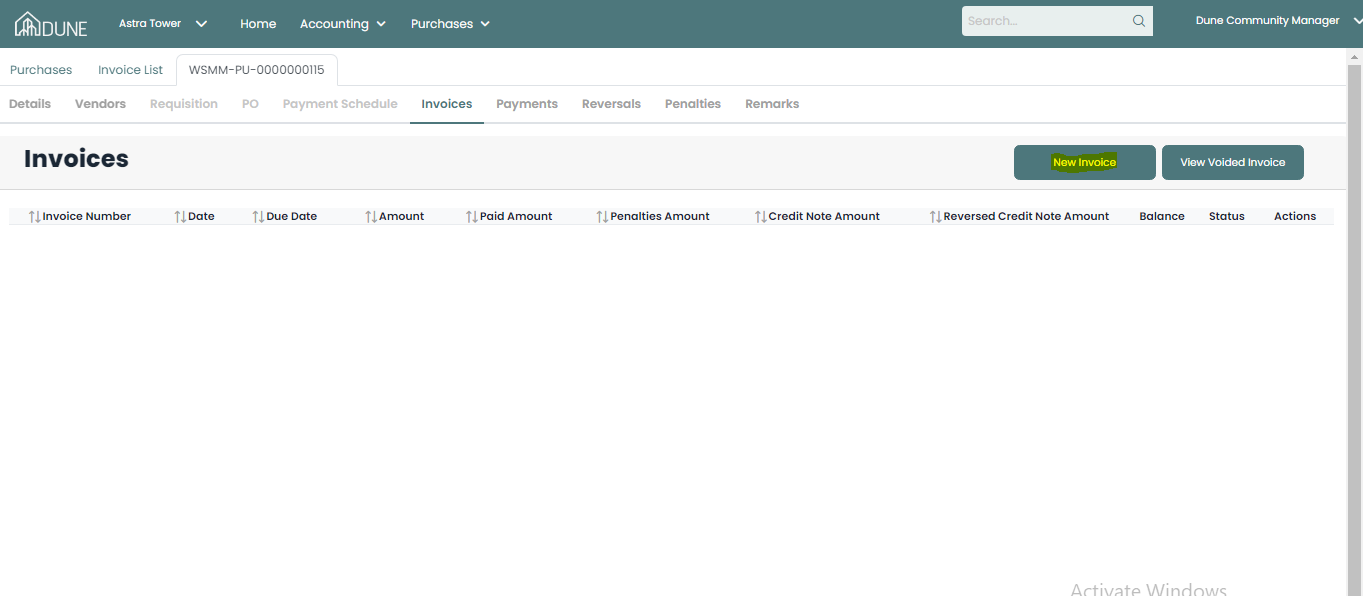
After you click save you can see the invoice details by clicking on the New Invoice button
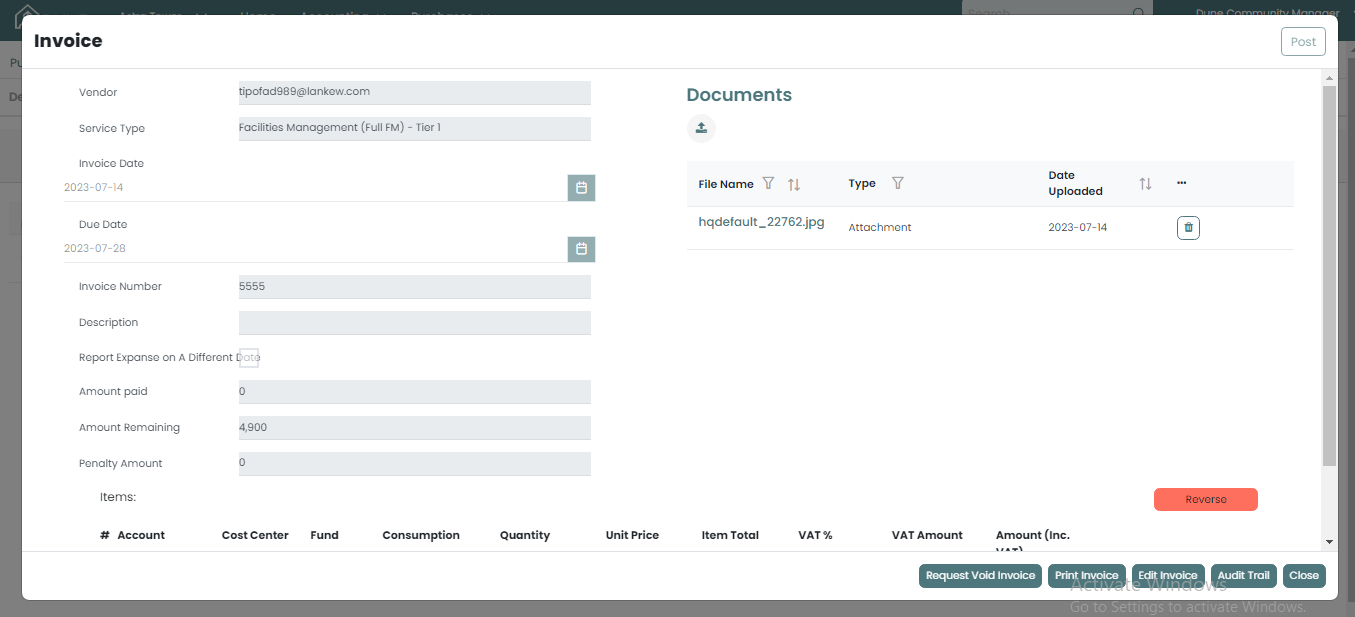
A pop-up screen will open for you to fill in the invoice information and attach the actual invoice then post it:
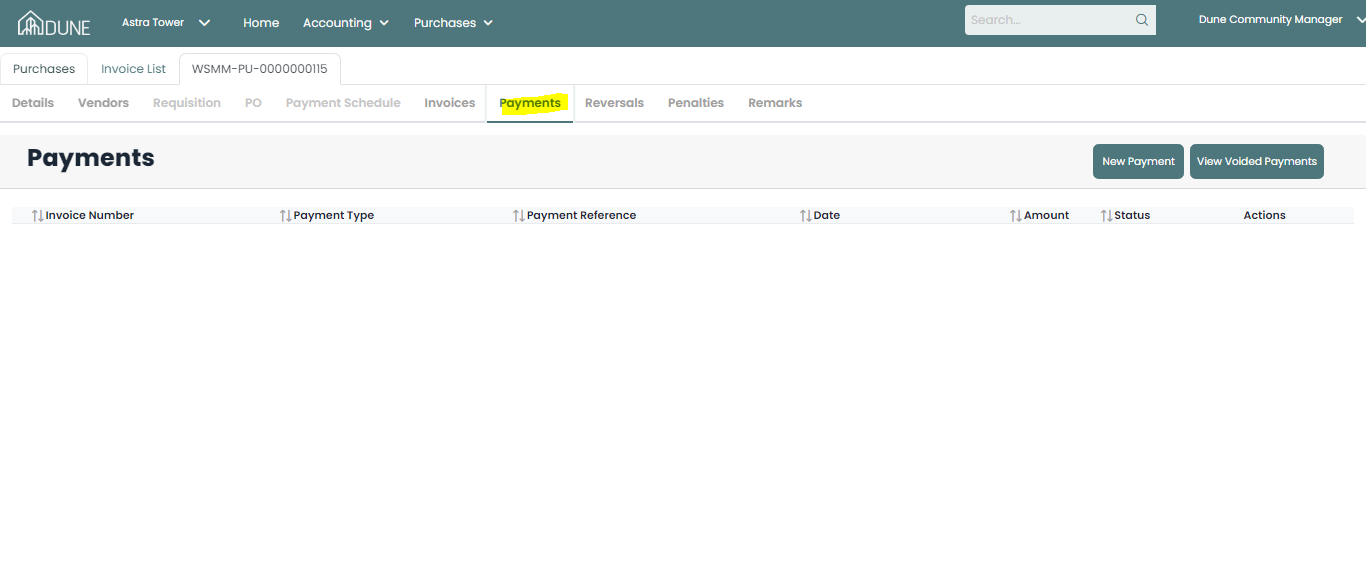
Once the invoice is posted, in the Payment tab you can add payment for a specific invoice and post it
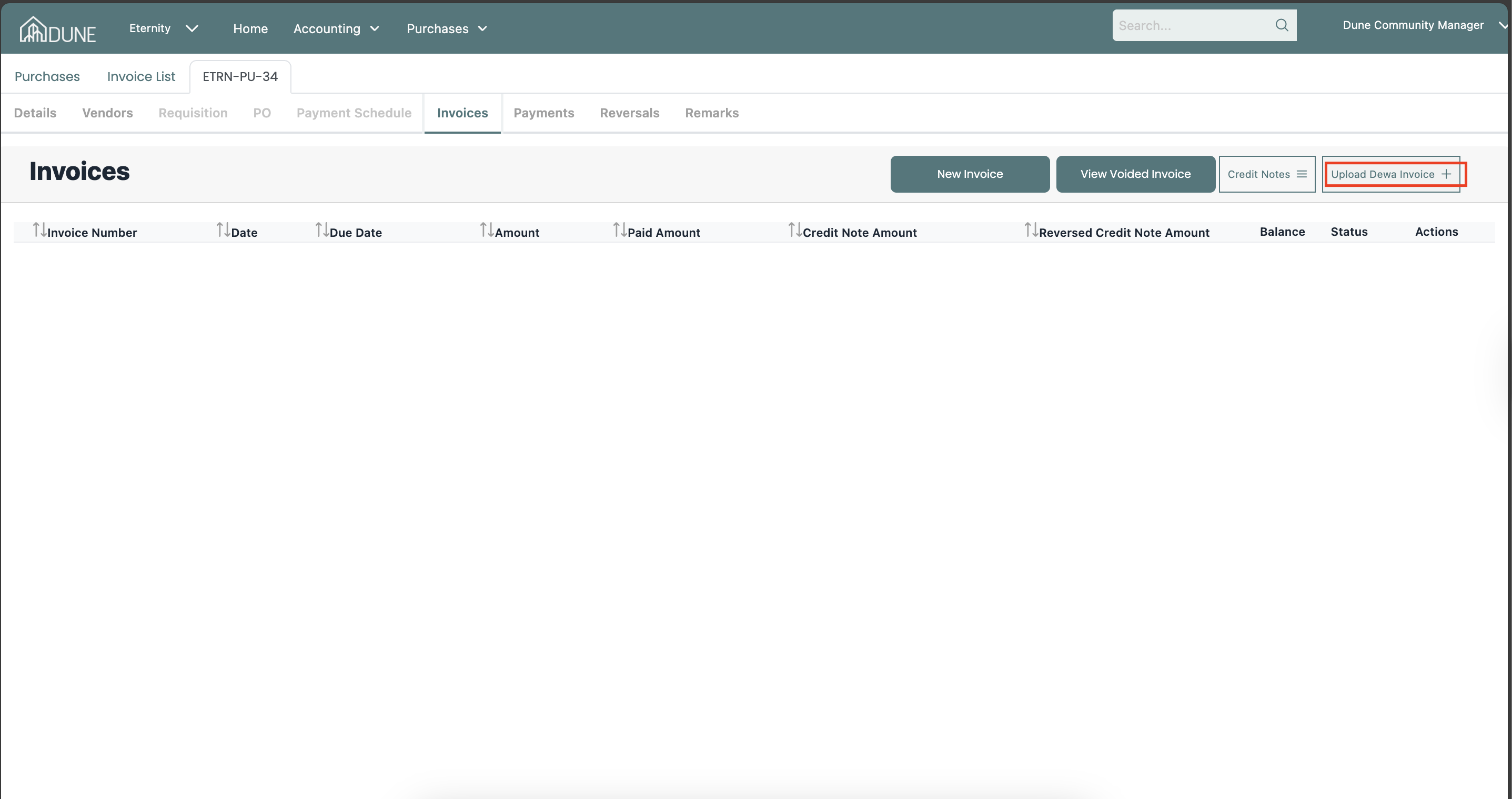
Upload Dewa invoice:
By clicking on the upaod dewa invoice Payment button a pop-up screen will open to uplado the dewa actual invoice then the system will read the info from the invoice fill them automatcicallly in the approriate field tthen you can check them and post the invoice:
Was this article helpful?
That’s Great!
Thank you for your feedback
Sorry! We couldn't be helpful
Thank you for your feedback
Feedback sent
We appreciate your effort and will try to fix the article